
Red marks and blue marks
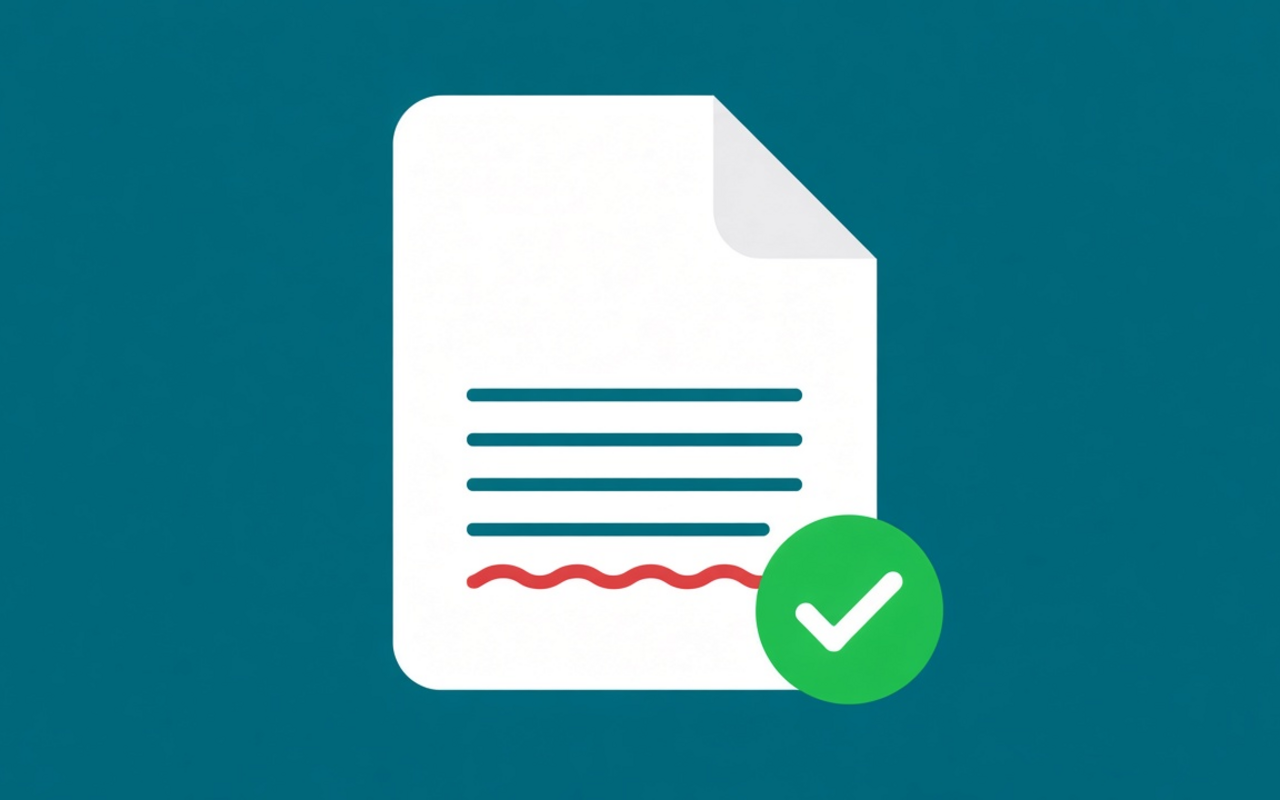
Spelling marks are red. Grammar marks are blue. Both appear in the field you are typing in, and they stay on the word while you keep writing further down.
Red marks for spelling, blue for grammar, then a click to replace. Checking stays on this computer.
In the field
Spelling marks are red. Grammar marks are blue. Both appear in the field you are typing in, and they stay on the word while you keep writing further down.
Click a mark, pick a suggestion, and that word in the field is replaced. If the suggestion does not fit, leave the original and keep typing.
English and Russian word lists ship inside the extension. The text in the field is checked here and is not sent to a checker server.
The English list is an ASCII word list. The Russian list is the packaged Hunspell word list. The popup language for the extension UI is separate from those dictionaries.
Select text and use the button beside the selection, or the context menu, to review that passage. The button can be turned off in the popup.
Pause the current site and leave every other site running. Ignore a word on every site. Or turn checking off entirely until you switch it back on.
The popup lists issues from the current tab, including frames, and can apply a fix from that list. The list lives for the session on this device.
Blue marks cover a repeated word, a missing space after punctuation, and a or an in English. They do not try to rewrite your style.
On this computer
Checking runs in Chrome on this computer. The words you type are not sent to a checker server.
Example notes
Illustrative notes about how the extension is meant to be used. These are not Chrome Web Store reviews, and they are not a star rating.
“The red mark shows up in the reply box, so I fix the word before the message goes out.”
“I pause it on the one site where the marks get in the way, and leave it on everywhere else.”
“English and Russian lists are already in the package. I do not sign in to check a sentence.”
“A missing space after a comma gets a blue mark. I click it when I want the space put back.”
Three steps
Before you install
No. Spelling and grammar run on this computer with the word lists packed in the extension. Field text is not sent to a checker server.
The packaged dictionaries are English and Russian. The language of the popup is a separate setting and does not change those dictionaries.
Red is spelling. Blue is grammar: a repeated word, a missing space after punctuation, or a or an in English.
Yes. The popup can pause the current site and leave checking on everywhere else. You can also turn checking off globally.
Document pages on docs.google.com are excluded. The editor there has its own checking, and this extension does not attach to those documents.
It is a desktop Chrome extension. It runs in Chrome on Mac, Windows, and Linux. It is not a phone app.